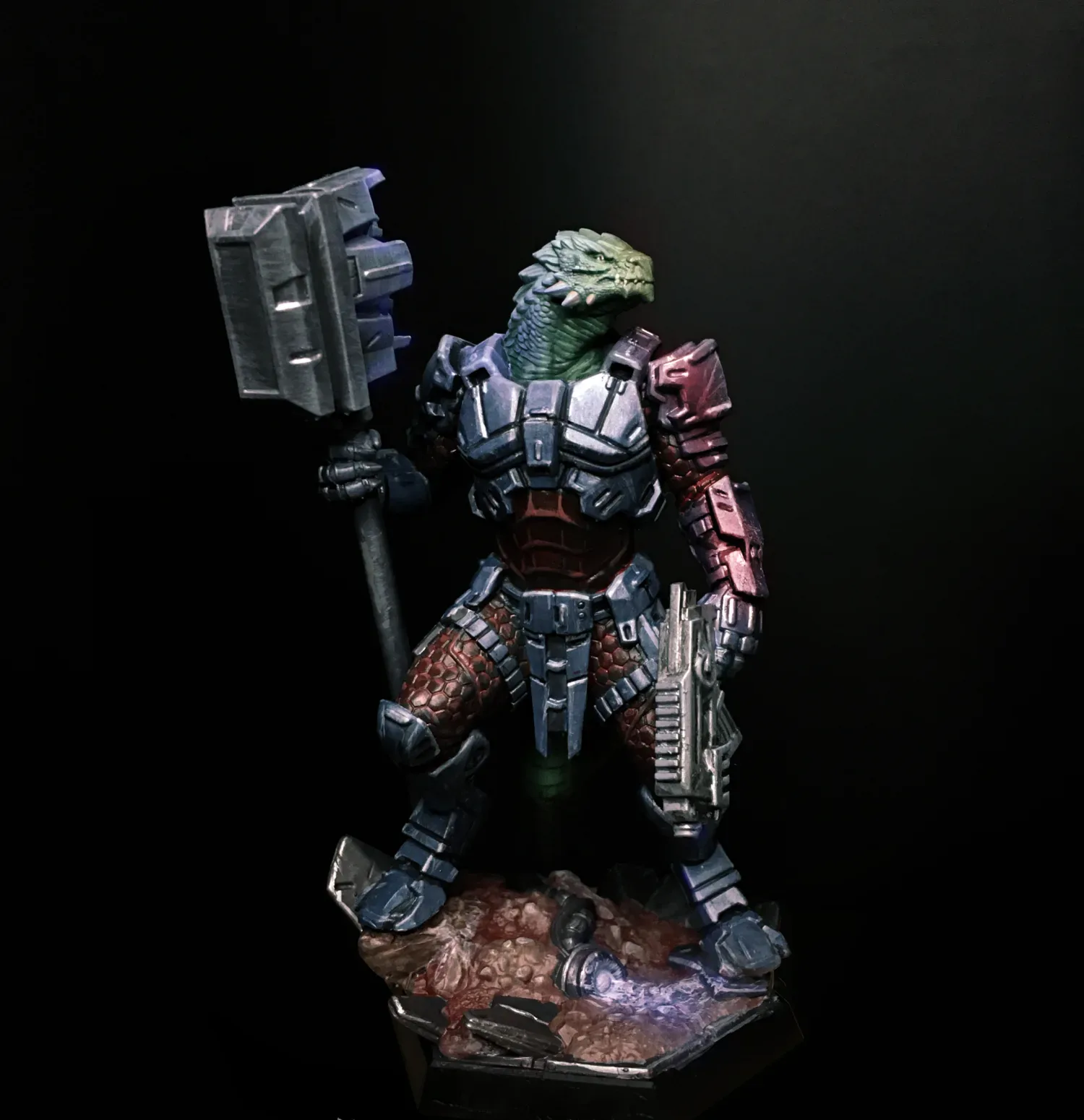
Short answer: You don't need an expensive camera to show off a painted miniature. Your phone's main camera, two daylight lamps with the same colour temperature and a curved sheet of card as a backdrop are enough. Step the phone back a little, fill the frame with zoom or a crop, lock exposure on the model's face and skip the filters.
Is a phone good enough to photograph my miniatures?
Yes. The main camera on a modern phone easily picks up the subtle highlights on the face of a 28-32 mm figure. Bad photos rarely come down to the device. The usual culprits are lighting, a cluttered background or getting too close. Once the setup is in place, every model after the first goes much faster.
What lighting should I use?
Light decides the result more than anything else. You want white light that keeps shadows soft and shows your colours as they really are.
- Two diffused lights: Put a lamp on each side of the model at roughly 45 degrees. Stretch tracing paper or thin white fabric in front of them to soften the light and kill harsh shadows. Only do this with LED bulbs that stay cool, and never let the paper touch the bulb.
- Fill from above: If the inside of the arms or the area under the helmet stays dark, hold a piece of white card above the model. It bounces light back down.
- Daylight bulbs: Bulbs marked around 5000-6500 K look white and neutral. Warm household bulbs (around 2700-3000 K) push every colour towards orange. If the box lists a CRI or Ra value, pick 90 or higher for more accurate colour.
- Match colour temperature: Use two lamps of the same type. If one is cool and the other warm, one side of the model turns blue and the other yellow, and that is very hard to fix later. Turn off the ceiling light while you shoot.
No lamps? Can I use window light?
Absolutely, and it works really well. Set up by a window that doesn't get direct sun; an overcast day is ideal. Turn the model side-on to the window and hold white card on the shadow side. Daylight changes over the day, so shoot all the photos of one model in a single session.
What should I use as a background?
The eye should go straight to the model. The easiest option is a single-colour infinity backdrop. Lay a sheet of card on the table, rest the back edge against a wall or a box and let it curve upwards. The line where table meets wall disappears from the shot.
- Light or mid grey: The safest choice. It doesn't fool the phone's light metering.
- Black: Makes bright colours pop, but the edges of a darkly painted model can vanish into it.
- White: Looks clean, but the phone will underexpose the model. Correct the exposure by hand.
How should I set up my phone camera?
1. Clean the lens and dust the model
Wipe the lens with a soft cloth; pocket grease makes photos look hazy. Brush any dust off the model with a soft, dry brush too. Up close, every speck shows.
2. Use the main camera
The ultra-wide and front cameras distort the edges. The main (1x) camera gives the cleanest result.
3. Step back, then crop
The most common mistake is holding the phone a few centimetres from the model. The head grows, the base shrinks and the proportions go wrong. Pull the phone back to roughly 15-25 cm, shoot at 2x and crop in afterwards. If the phone can't focus, back off a little more. Telephoto lenses can't focus that close, so the phone may quietly switch to the main camera and crop instead.
4. Be careful with portrait mode
Portrait mode guesses where the blur should go. On a small model it can blur a rifle barrel or the edge of a cloak as well. For a single figure, normal mode is the safer bet.
5. Focus on the face and lock exposure
Tap and hold on the model's face on screen. On most phones this locks focus and exposure. Then use the brightness slider to bring the colours as close to real life as you can. The face is the first thing anyone looks at.
6. Turn off HDR and beauty filters
If your phone has them, switch off auto HDR, face beautification and scene enhancement. They flatten the transitions you painted. Some phones won't let you turn HDR off; in that case, pulling exposure down a touch does the same job.
Which angles should I shoot from?
Bring the phone down to the model's eye level. A shot from above makes the figure look small and squat; eye level makes it look like it's standing on the battlefield.
- Three-quarter front: Make this your main shot. Turn the model slightly so you see both the face and its volume.
- Back: Backpacks, cloaks and base details live here, and it's the most neglected side.
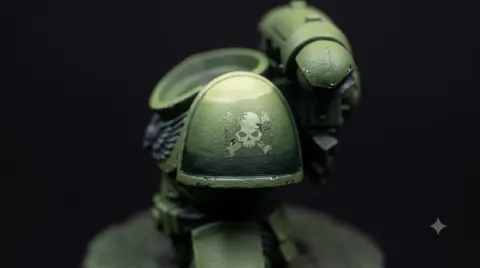
- Close-up: A detail you're proud of, like the face, a unit marking or battle damage.
If you're preparing for a gallery or a post, these three shots make a solid set. If you put real work into the base, keep it in frame; the textures from the basing guide make a difference in photos too.
How do I keep the model and phone steady?
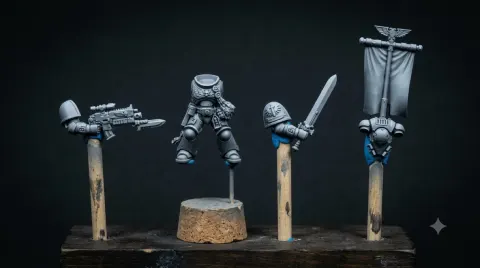
Most blur comes from shaky hands, so don't hold the model. A Miniature Painting Handle or the Adjustable Painting Handle V2 keeps it still, and changing the angle is just a matter of turning the handle. If you don't want the handle in the shot, put the model on its base straight onto the card for the final photos.
Prop the phone against a stack of books, a mug or a small tabletop tripod. Pressing the shutter causes shake, so turn on the 3-second timer. If your phone supports it, you can also use the volume button on wired earphones or a Bluetooth remote as a shutter.
Should I edit the photo?
Fix three things only: framing (centre the model, crop the empty space), white balance (the grey backdrop should look grey) and exposure (no crushed shadows, no blown highlights). Your phone's built-in editor does all of this.
Skip filters and AI "enhancement". These tools can invent blends and details that aren't in the paint. What people should see is your brushwork, not the software's.
How do I photograph a model in a small scene?
A single-figure shot shows technique; a scene tells a story. Two or three barrels from the Barrel Set and a Sandbag Set are enough for a small position. For a bigger scene, the Trench Line Terrain Set brings the pieces of a front line together in one set.
- Place the terrain slightly behind the model; it falls a little out of focus and pushes the figure forward.
- Arrange pieces on a diagonal; a straight row kills depth.
- Terrain draws as much attention as the model, so the shot is far more convincing if you've painted and weathered it too. The weathering overview and rust effects guides are a good place to start.
- If your model or scene has built-in LEDs, take a separate shot with the room lights off. See the LED source lighting guide for that.
What are the most common mistakes?
- Warm household light: Colours drift towards orange. Use daylight bulbs.
- Glossy varnish: Gloss varnish reflects light as white spots. Give the model a matt varnish before shooting, or move the light a little to the side.
- Shooting too close: Proportions get distorted. Step back and crop.
- Cluttered background: Paint pots, cables and brushes compete with the model.
- Wandering focus: If the phone focuses on the backdrop, the face stays soft. Tap the face and lock it.
Frequently asked questions
Why do my photos come out blue or yellow?
Either your lamps are different colours or the phone's white balance got confused. Match the lamps and turn off the ceiling light. When editing, use the grey backdrop as your reference for white balance.
Why do metallic areas flare white?
Metallic paint reflects light like a mirror. Move the lamp a little to the side or higher up and thicken the diffuser. Keep adjusting the angle until the glare shrinks to a point.
How many photos should I take of one model?
For sharing, three shots make a good set: three-quarter front, back and a close-up. If you're entering a competition, check the rules for how many photos they want.
Should I use my phone's Pro or manual mode?
If you have it, it helps. You can fix white balance to your lamps' K value and keep ISO low. If not, auto mode with exposure lock is enough.
Is it worth photographing a model before it's finished?
Very much so. A photo shows the mistakes your eye has got used to: a stray line, not enough contrast. A shot taken mid-way will improve your painting too.
In short: Two daylight lamps of the same colour, a curved sheet of grey card and a steady phone are all you need. Shoot with the main camera from a little further back and at eye level, then crop. Lock focus on the face, skip filters and keep editing to framing, white balance and exposure.
To bring your photo backgrounds to life, take a look at the Barrel Set and Sandbag Set, and to keep your model steady, the Adjustable Painting Handle V2.